Heat Pump Remote Symbols & Flashing Lights Explained
- Free written quote, no obligation
- Licensed electrician on the connection
- Auckland-wide, all major brands
Get a free quote
Free written quote. No obligation. We reply by phone.
Sorry, that did not send. Please try again in a moment.
Thanks, we have your request
We will call you back about your free written quote.
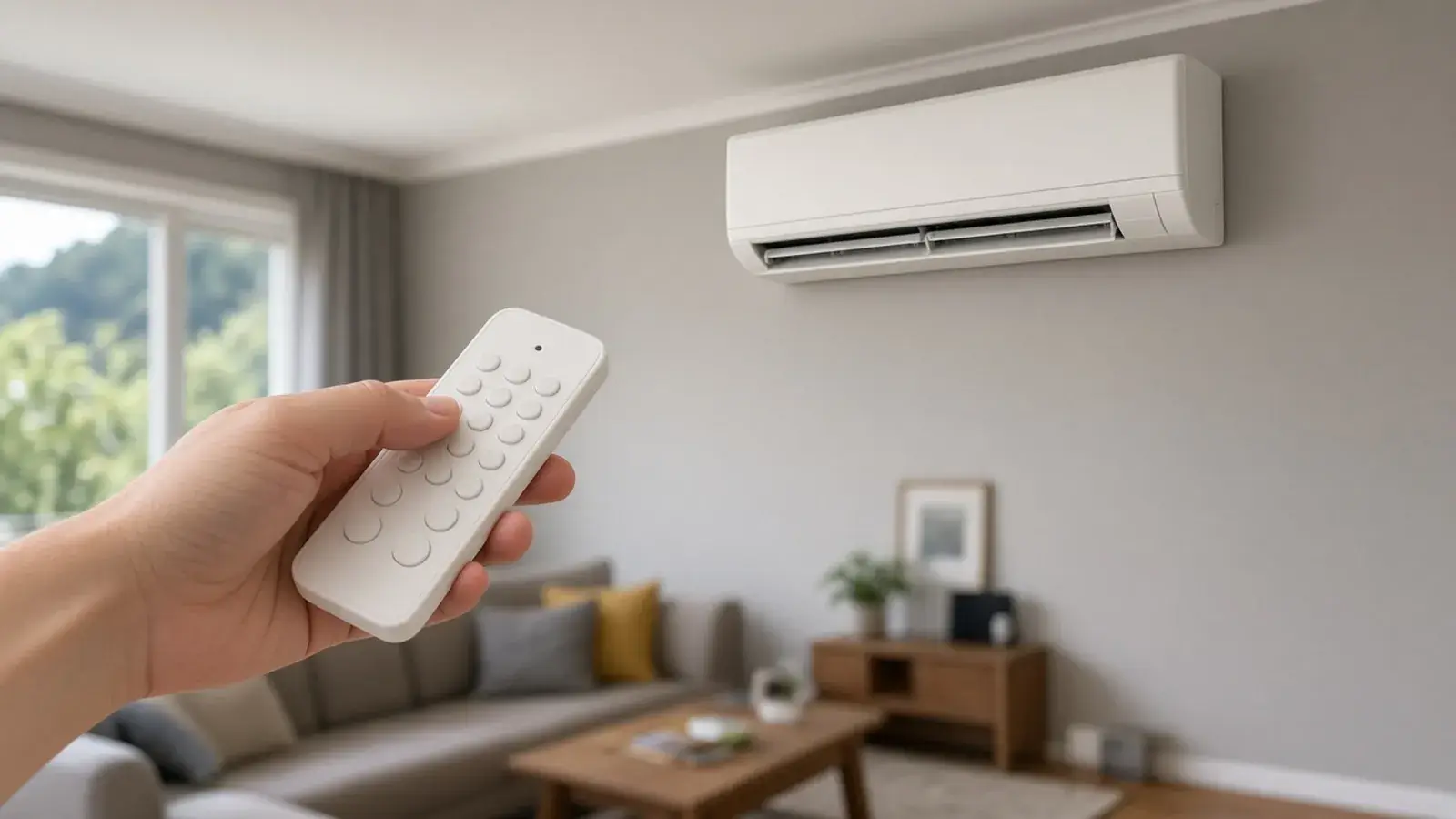
Most heat pump remote symbols follow a pattern: a snowflake for cool, a sun for heat, a water drop for dry, a fan for fan only and an A for auto. Lights on the front of the indoor unit show whether it is running, in standby, defrosting, on a timer or reporting a fault. Layouts and meanings vary between Mitsubishi Electric, Daikin, Fujitsu and Panasonic and between models, so your manual has the final word. If a light keeps flashing, our team can diagnose it with a free quote.
Remote symbols: modes
| Symbol | Name | What it does |
|---|---|---|
| Snowflake | Cool | Cools the room to the set temperature |
| Sun | Heat | Heats the room to the set temperature |
| Water drop | Dry | Removes moisture with little cooling |
| Fan | Fan only | Moves air without heating or cooling |
| A or Auto | Auto | The unit chooses between heating and cooling |
Dry mode helps on a muggy Auckland day or after a run of wet weather. It takes humidity out of the air and reduces condensation without making the room cold. In heat or cool mode, the set temperature is the target for the room. It does not replace heat in winter.
Remote symbols: functions
| Symbol or label | What it means |
|---|---|
| Temperature up and down | Sets the target temperature |
| Fan speed (bars or a fan with a number) | Low, medium, high or auto fan speed |
| Swing or louvre arrows | Moves the louvres up and down, or sideways on some models |
| Clock or Timer on and off | Turns the unit on or off at a set time |
| Moon or Sleep | Gradually adjusts the set temperature overnight |
| Quiet or Silent | Reduces fan speed and noise |
| Powerful, Turbo or Hi Power | Runs flat out for a short time to reach the temperature faster |
| Leaf, Eco or Econo | Energy-saving mode with limited output |
| Filter symbol | Reminder to clean the filters, reset after cleaning |
| Check or Inspection | Used by technicians, or shows a fault |
If a button does nothing, check the batteries first. Weak batteries cause many false faults. Most indoor units also have an emergency switch or button under the front panel that runs the unit if the remote is lost, and the manual shows where it is.
What the lights on the indoor unit mean
A steady operation light usually means normal operation. Colour and pattern differ by brand and model, so use this as a general guide.
| What you see | What it usually means | What to do |
|---|---|---|
| Steady green light | Unit is running | Nothing |
| Steady orange light | Standby, timer set, or warm-up or defrost in progress | Wait a few minutes |
| Orange light flashing slowly in winter | Defrost or warm-up | Wait, it usually clears |
| Light flashing in a repeating pattern | Fault code or self-diagnosis | Count the flashes, note the model and see the manual |
| Filter light on | Filter reminder | Clean the filters and reset the reminder |
| All lights flashing together | A fault or a power problem | Switch off, wait, restart, then get help if it returns |
How to read a flashing fault light
Counting the flashes is the most useful thing you can do first. A unit reports a fault by flashing a set number of times, pausing and repeating.
- Note which light is flashing and what colour it is.
- Count the flashes in one set, wait for the pause and count the next set.
- Write the numbers down, for example "three flashes, pause, two flashes".
- Note the brand and model number, on a sticker on the side or underneath the indoor unit.
- Look the pattern up in your manual, or send us the details.
Some brands also show a code on the remote. A letter and number on the display is a fault code, so take a photo of it.
Other symbols you might see
- Wifi symbol: the unit is connected to a wifi controller or app.
- Person or sensor symbol: a motion sensor on some models that directs air towards or away from people.
- Air purifying symbol: an air cleaning feature on some models, separate from the filter reminder.
- Lock symbol: the remote buttons are locked, and the manual shows how to unlock them.
- Test or trial run: used by installers. If it appears by accident, switch the unit off and on again.
When the remote does not work
The cause is usually the batteries or the line of sight. Replace the batteries, point the remote at the indoor unit and make sure nothing blocks the receiver window. If the indoor unit has a button, turn it on from there. If it works, the remote is faulty, and if not, the unit is.
Brand notes
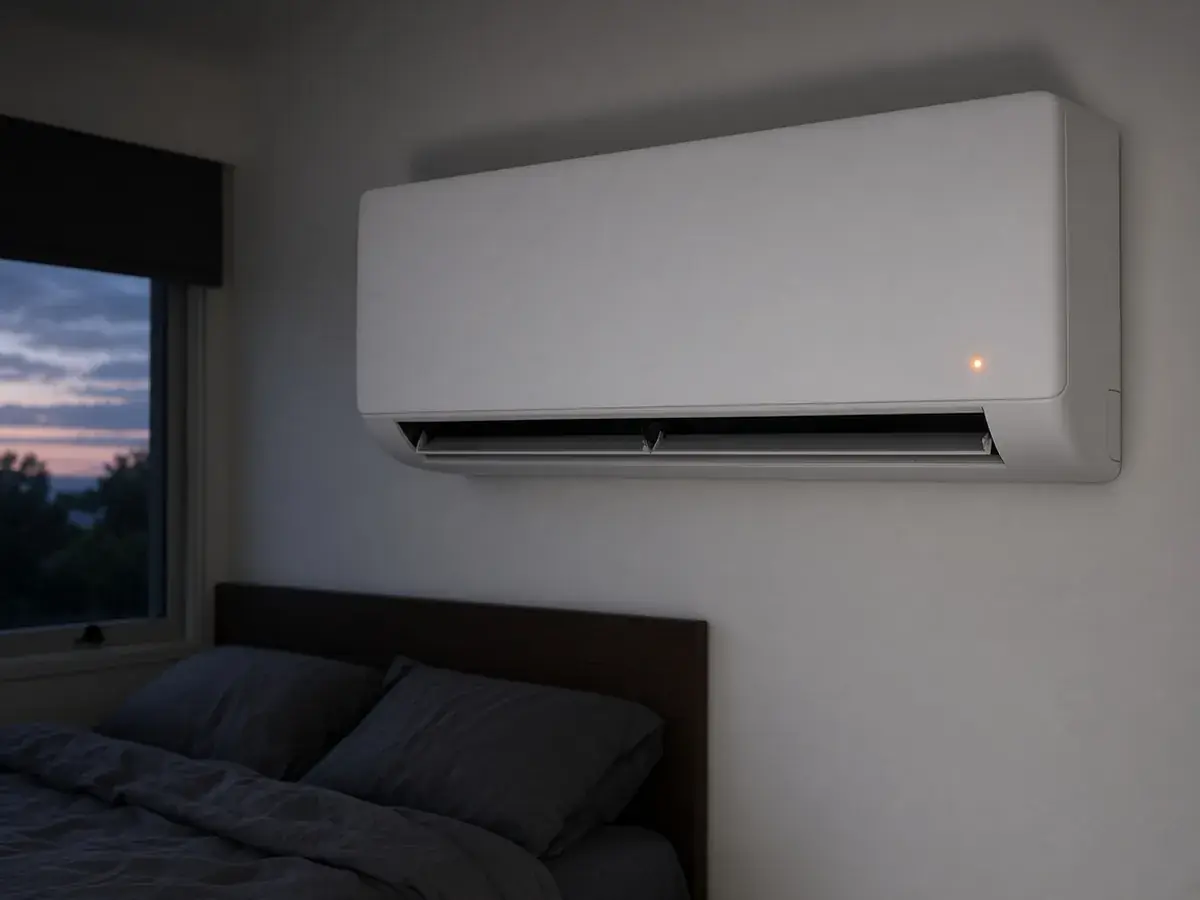
Mitsubishi units usually have an operation light and a standby or hot adjust light. A steady or flashing orange light in cold weather is normally warm-up or defrost and clears within a few minutes. See Mitsubishi Electric heat pumps.
Daikin units have operation and timer lights, and ducted systems show a fault code on the wall controller. See Daikin heat pumps.
Fujitsu units usually have an operation light, a timer light and sometimes an economy light. A pattern across these lights can report a fault. Heat mode not blowing straight away is normal warm-up. See Fujitsu heat pumps.
Panasonic units show operation and timer lights, and many have an indicator for features such as nanoe. A flashing power light can point to a fault or a blocked drain. See Panasonic heat pumps.
Normal behaviour that looks like a fault
- Steam from the outdoor unit in winter. The unit is defrosting.
- Water running from the outdoor unit. Condensation and meltwater drain out of the base.
- The indoor fan pauses while the coil warms up or defrosts.
- A smell the first time you use it in autumn. A clean fixes it.
- Clicks and ticks as plastic expands and contracts.
- The unit runs less in mild weather and turns down once the room is at temperature.
Checks to try first
- Check the mode and temperature: heat mode, set above the room temperature.
- Replace the remote batteries.
- Clean the filters.
- Check the power supply and the breaker.
- Check that nothing blocks the airflow of the indoor or outdoor unit.
If the unit still does not work, switch it off at the remote, then at the wall, wait five minutes and switch it back on. Do not keep resetting it, because repeated resets can mask a fault.
When to ask for help
Get in touch if a fault light keeps flashing, the unit trips the breaker, water pours from the indoor unit or it makes loud grinding noises. Have the brand, model number and flash pattern or code ready. Our heat pump repairs page explains what we fix, and the leaking and not working guide covers the commonest faults.
Talk to a person about this job.
Questions
What do the symbols on my Mitsubishi heat pump remote mean?
A snowflake is cool mode, a sun is heat, a water drop is dry mode, a fan is fan only and Auto lets the unit choose. Other buttons control fan speed, louvre swing, timers and quiet or powerful modes. The layout differs between remotes, so check your manual for the model.
What does the dry symbol on a heat pump remote mean?
Dry mode, shown as a water drop, removes moisture from the air with little cooling. It suits muggy Auckland days and takes the damp edge off a room. It does not lower the temperature much.
Why is my heat pump light flashing?
A flashing light can show a normal status such as defrost or warm-up, a filter reminder or a fault. The pattern and colour decide which. Check the manual for your model. If it keeps flashing, note the pattern and get in touch.
What does the orange light on my heat pump mean?
On many units an orange light shows standby, timer or defrost status, and it is often normal. If it flashes in a pattern and the unit has stopped working, it may be reporting a fault.
What does the leaf or eco symbol mean?
It usually means an energy-saving mode that limits the unit's output or adjusts the set point. The room may take longer to reach the temperature you want.
How do I reset my heat pump?
Switch it off at the remote, then at the wall or breaker, wait a few minutes and switch it on again. If the fault returns, do not keep resetting it. Note any code and ask us to take a look.
Is steam coming off my outdoor unit a fault?
Usually not. In cold, damp weather the outdoor unit runs a defrost cycle that melts frost off the coil, and you may see steam. The indoor unit may pause for a few minutes. If it does not recover, contact us.
What is the heat symbol on a heat pump remote?
A sun. Press the mode button until the sun shows, then set the temperature above the room temperature.
What does auto mode do, and should I use it?
Auto lets the unit choose between heating and cooling to hold the set temperature. It is fine for most homes, but heat mode is more predictable in winter.
What does the filter light mean?
It is a reminder to clean the filters. Wash them, refit them dry and reset the reminder on the remote.
Why is my heat pump remote not working?
Check the batteries first, then point the remote at the indoor unit with nothing blocking the receiver. If the unit works from its own button, the remote is the problem.
Get a free quote
Tell us the address and the job. We will call you back.
Request a callbackFree written quote. Licensed electrician. Auckland-wide.
Tell us about the job
Free written quote. No obligation. We reply by phone.
Sorry, that did not send. Please try again in a moment.
Thanks, we have your request
We will call you back about your free written quote.